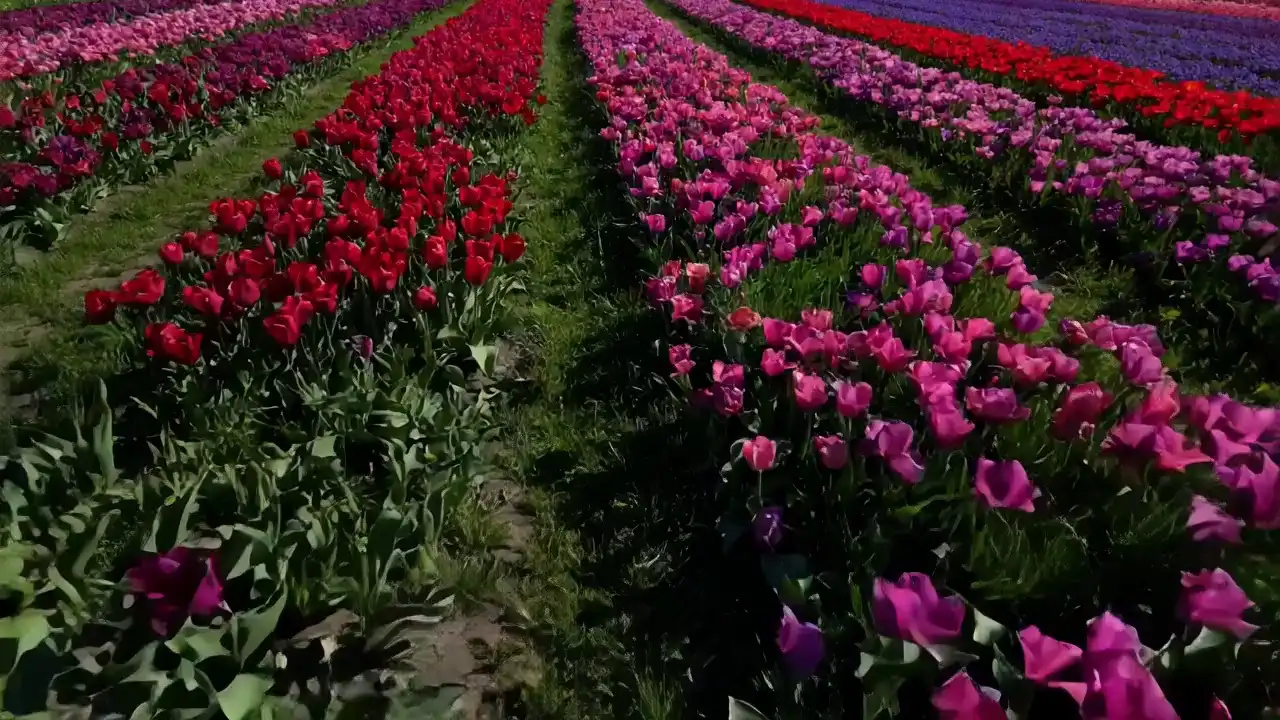
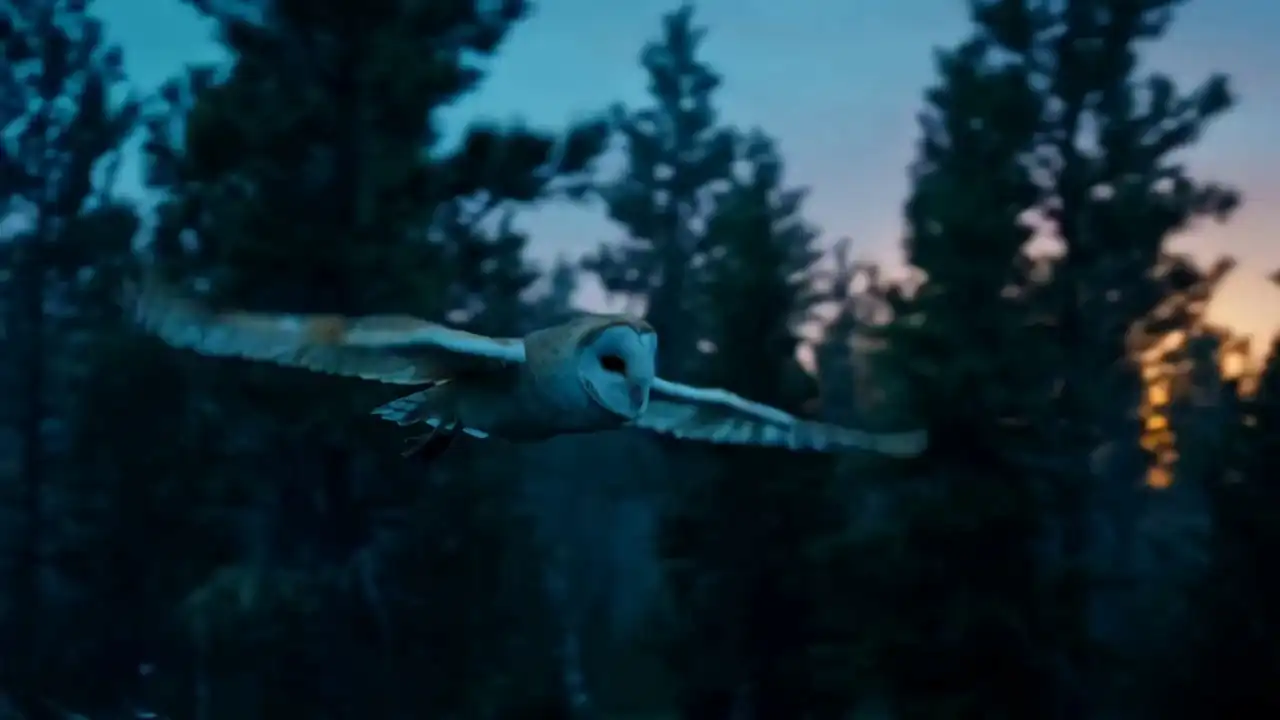
AI Image and Video Workspace

Muse AI for Image and Video Creation

Muse AI helps creators generate images, edit photos, combine visual references, and explore AI video ideas from natural-language prompts in one creative workspace.

Use Muse Image for still visuals and photo edits, then explore Muse Video concepts for motion, visual continuity, and native audio.

Muse Image
Image GenerationImage EditingMultiple References
Muse Video
AI Video GenerationNative AudioPreview
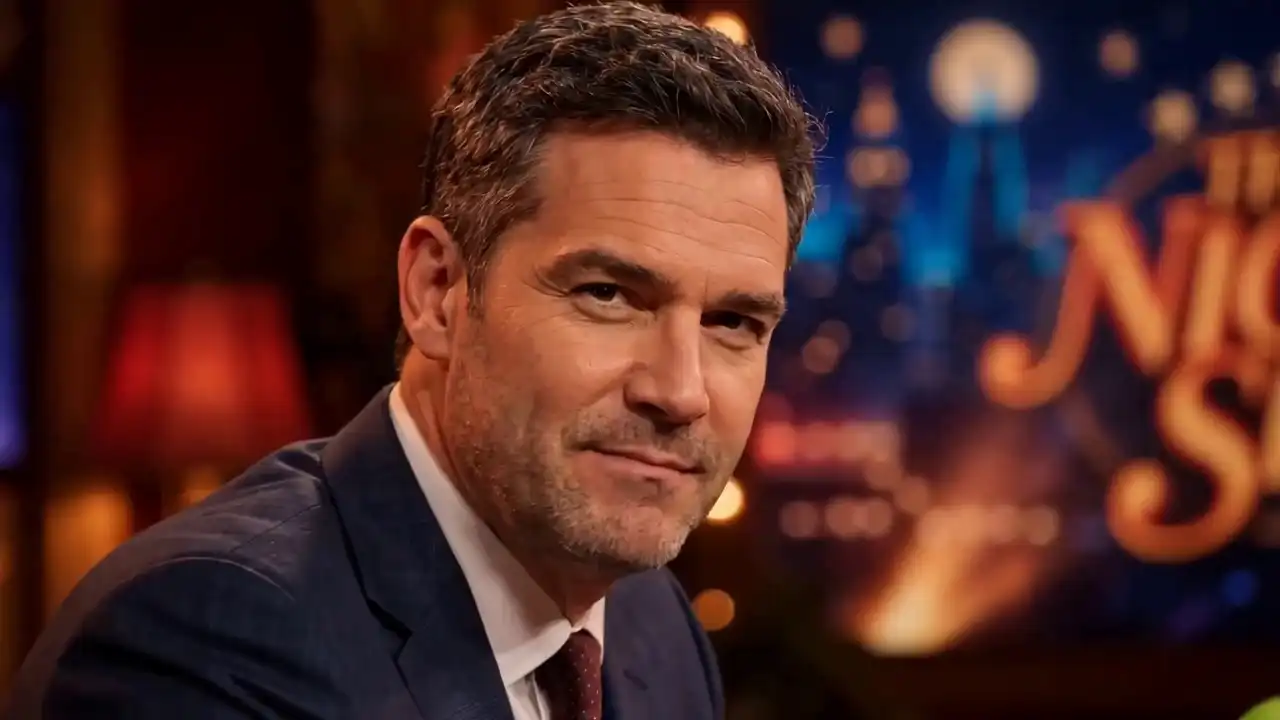
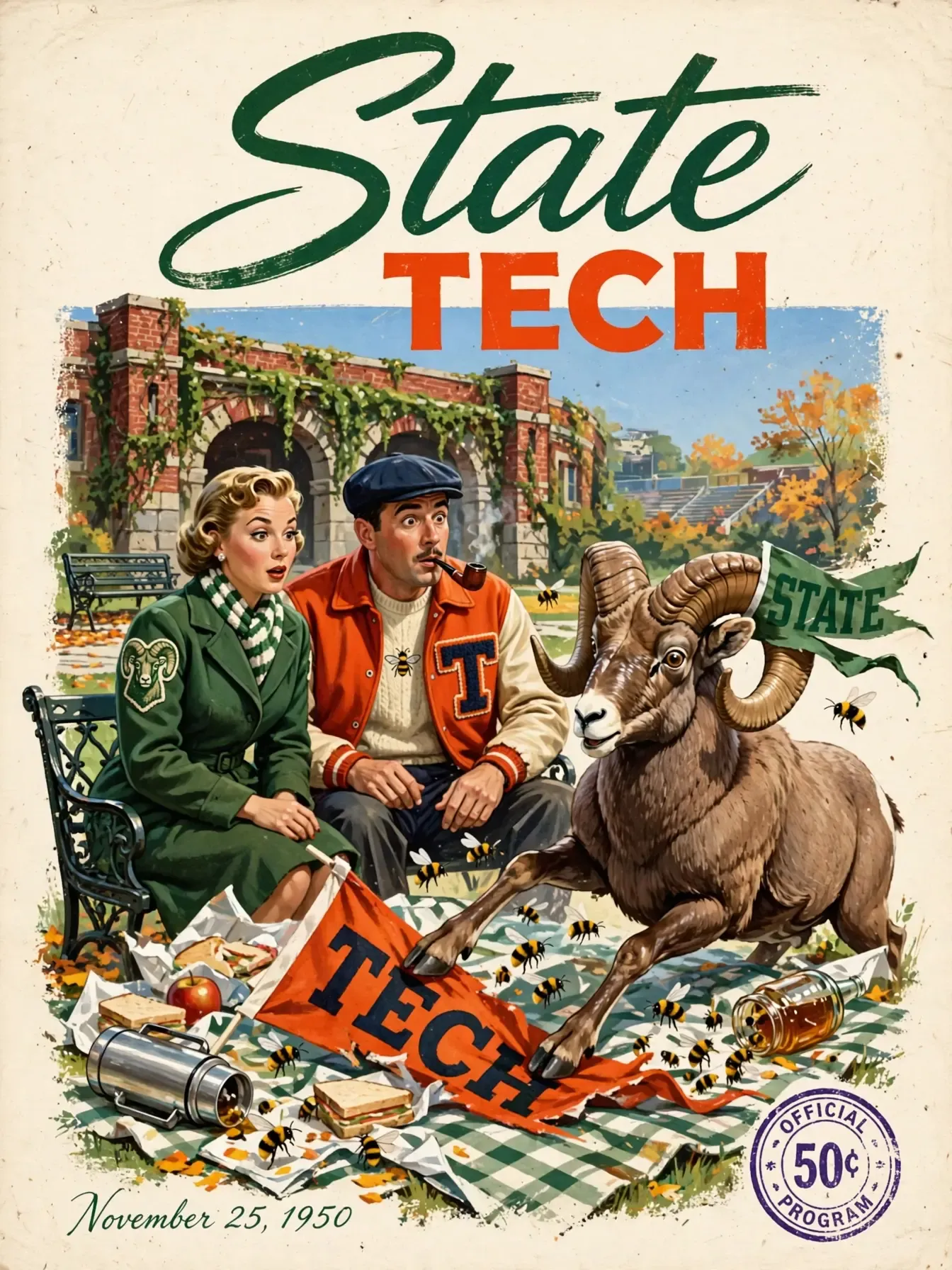
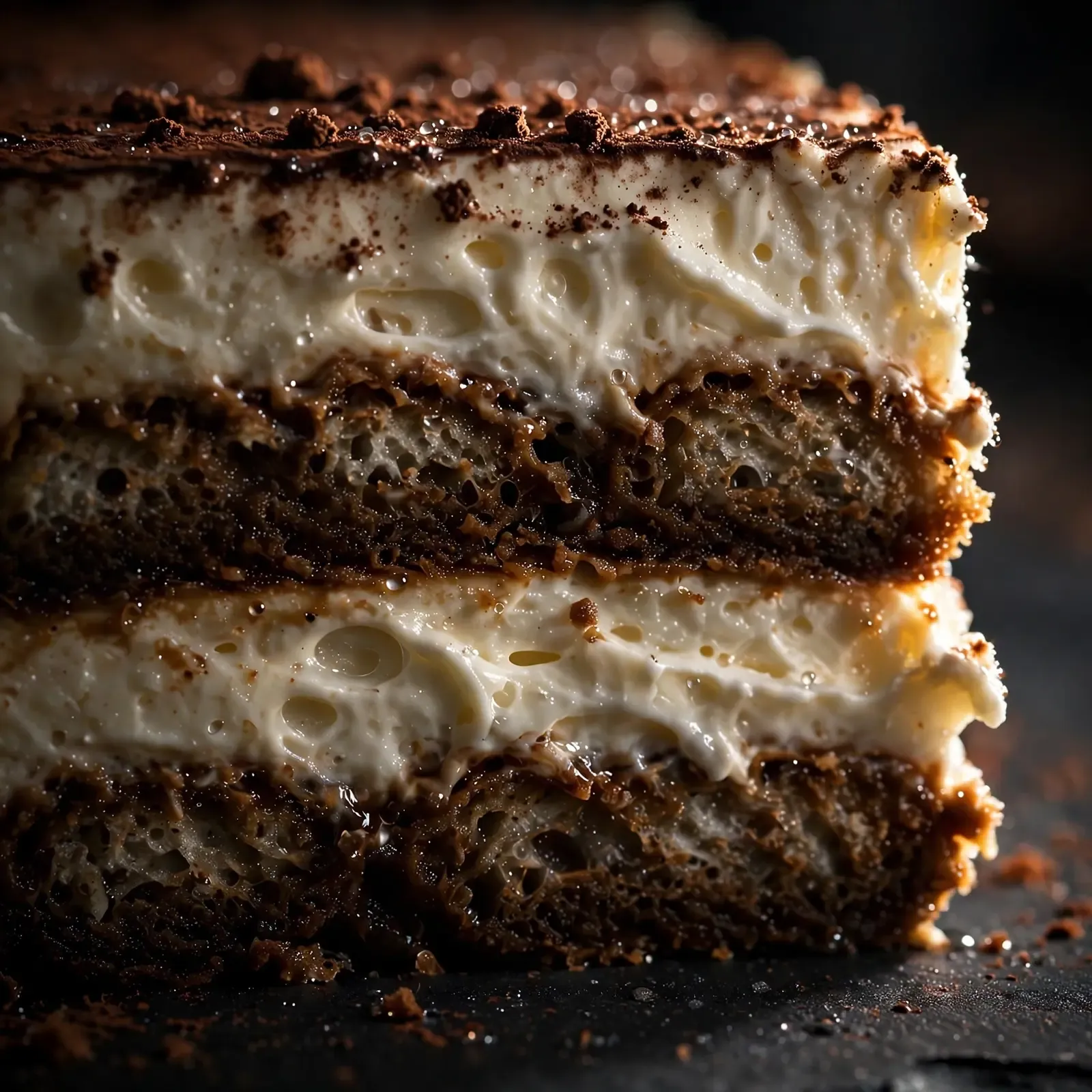
Muse Image generated visual example
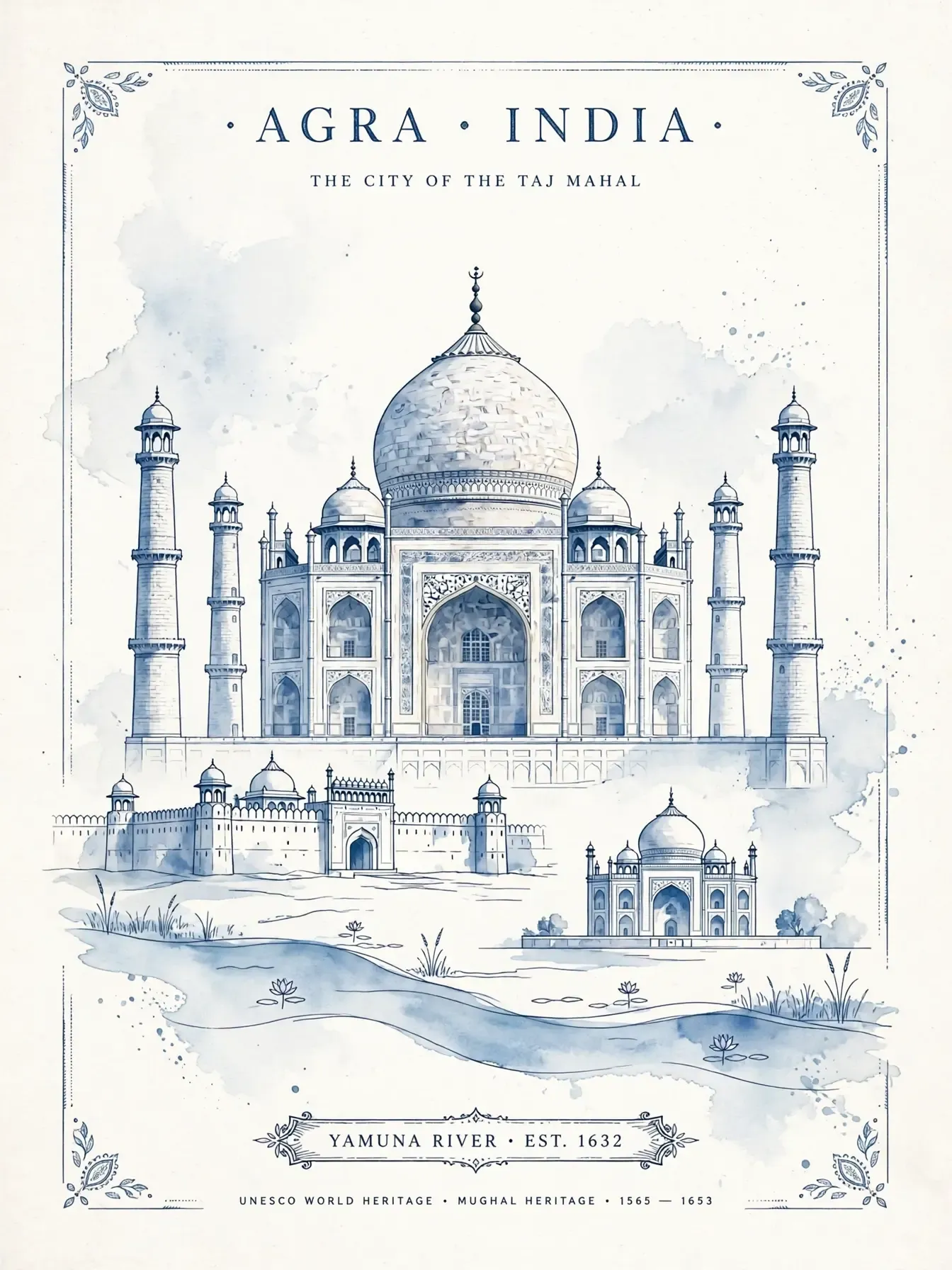
Muse Image editing example
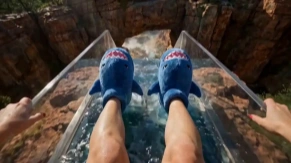
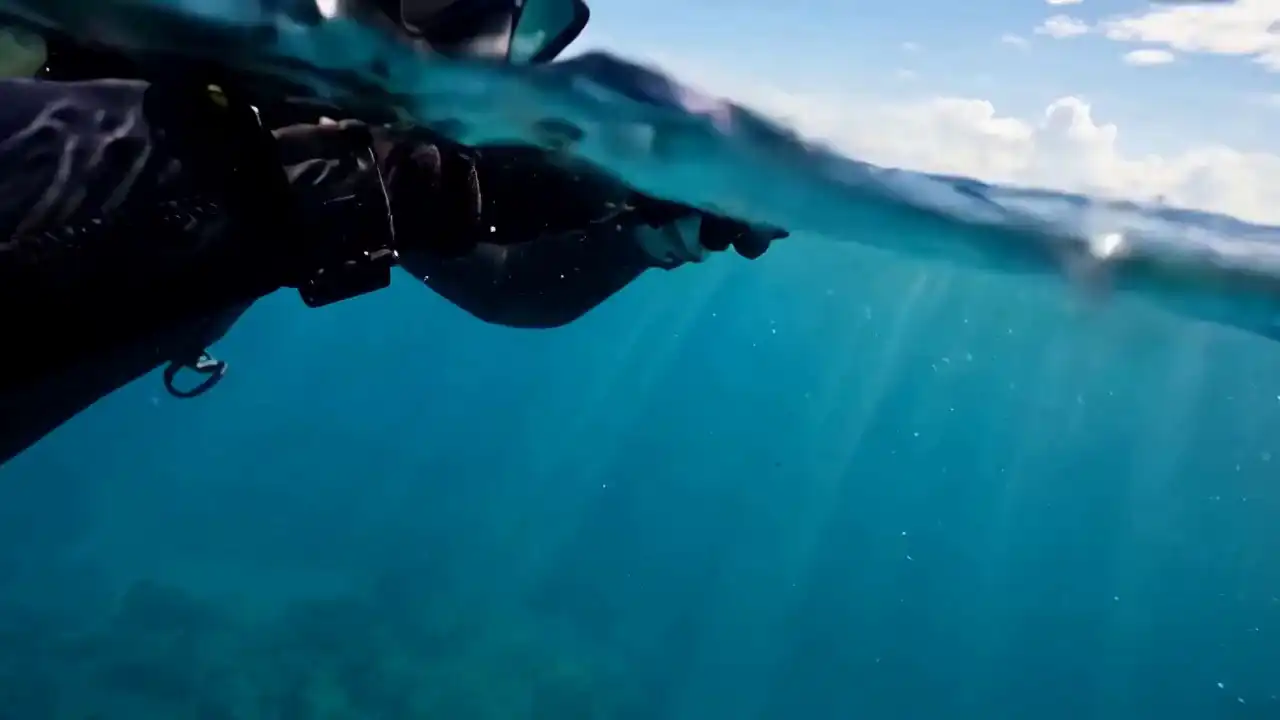
Muse Video example cover

What Is Muse AI?

Muse AI is a creative product experience for AI-assisted image and video creation. It turns prompts, visual references, and follow-up instructions into practical creative outputs.

Muse Image handles still-image generation, photo editing, and multi-reference composition. Muse Video explores moving scenes with visual continuity and native audio.

Together, these capabilities make Muse AI useful for creators who want to move from natural-language ideas to image assets, campaign concepts, and video directions in one workspace.
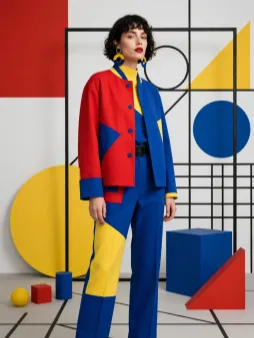

Muse Image

Muse Image generates visuals from written prompts, edits existing photos, and combines people, products, objects, environments, clothing, and styles from multiple reference images.

  • Image generation
  • Photo editing
  • Multi-reference composition
Preview

Muse Video

Muse Video creates moving scenes from written creative direction, including subjects, actions, environments, camera movement, visual continuity, and native audio.

Muse Video is currently in preview, and broader public availability has not been confirmed.

  • Video generation
  • Native audio
  • Preview

Why Use Muse AI for Image and Video Creation?

Muse AI gives creators a practical way to move from prompts and reference images to usable visuals, photo edits, campaign concepts, and AI video ideas without switching between separate creative tools.

Faster Creative Exploration

Generate image concepts, edit photos, and test visual directions quickly before investing time in full production.

One Workspace for Image and Video Ideas

Use Muse Image for still visuals and photo editing, then explore Muse Video concepts for motion, continuity, and native audio.

Control with Prompts and References

Guide outputs with natural-language prompts, existing photos, product images, style references, and multiple visual inputs.

Built for Marketing and Content Work

Create assets for ecommerce listings, social media campaigns, product launches, ads, storyboards, and brand storytelling.

Features

Muse AI Features

Muse AI features include image generation, natural-language editing, multi-reference composition, AI video generation, native audio, and visual continuity.

Muse Image

Create Images from Text

Create new visuals by describing the subject, setting, composition, lighting, style, and overall creative direction.

Muse Image

Edit Images with Natural Language

Make focused changes to an existing photo by describing the objects, backgrounds, colors, styles, or details you want to add, remove, or replace.

Muse Image

Combine Multiple Reference Images

Use people, products, clothing, objects, environments, and visual styles from several references to guide a new composition.

Muse VideoPreview

Generate Video from Creative Direction

Describe the subject, action, environment, mood, camera movement, and scene progression you want to explore in a moving sequence.

Muse VideoPreview

Create Video with Native Audio

Explore video concepts in which sound is generated as part of the scene, including atmosphere, environmental audio, and character-focused moments.

Muse VideoPreview

Maintain Visual Continuity Across a Scene

Muse Video is designed to preserve subjects, environments, and visual details as movement unfolds across a generated scene.

Use cases

Muse AI Use Cases

See how Muse AI can support real creative tasks across ecommerce, fashion, interior design, social media, education, games, and film concept development.

Muse Image

Ecommerce Product Listings

Turn a plain product photo into marketplace images, lifestyle scenes, color variants, seasonal banners, and listing visuals for stores, Amazon-style pages, or DTC product launches.

Muse Image

Fashion, Beauty, and Apparel Campaigns

Combine clothing, accessories, poses, backgrounds, lighting, and style references to test lookbook shots, beauty concepts, outfit variations, and campaign directions before a real shoot.

Muse Image

Real Estate and Interior Design Concepts

Edit room photos, change furniture styles, explore staging ideas, visualize renovation directions, or create interior mood concepts for property listings and design presentations.

Image and Video

Social Media and Ad Creative Production

Create post visuals, story backgrounds, launch graphics, thumbnail concepts, and short video ideas for TikTok, Reels, YouTube Shorts, paid ads, and brand announcements.

Image and VideoPreview

Education, Training, and Explainer Content

Generate diagrams, lesson visuals, process illustrations, scenario images, and video concept boards that help explain products, workflows, science topics, or internal training materials.

Muse VideoPreview

Film, Games, and Story Development

Explore character scenes, environment concepts, cinematic shots, animated moments, camera movement, mood references, and early storyboards before production or pitching.

Muse Image / Muse Video

Muse AI Examples

Explore product visuals, photo edits, multi-reference compositions, character scenes, promotional concepts, and other image and video examples.

Muse Image product visual exampleMuse Image
Product Visual
Cinematic Landscape Muse Video coverMuse Video
Cinematic Landscape
Muse Image generated portrait exampleMuse Image
Portrait
Muse Image photo editing exampleMuse Image
Photo Editing
Character Moment Muse Video coverMuse Video
Character Moment
Muse Image multi-reference composition exampleMuse Image
Multi-Reference Composition
Product Scene Muse Video coverMuse Video
Product Scene
Muse Image interior concept exampleMuse Image
Interior Concept
Urban Motion Muse Video coverMuse Video
Urban Motion
Muse Image informational visual exampleMuse Image
Informational Visual
Nature Story Muse Video coverMuse Video
Nature Story
Stylized Animation Muse Video coverMuse Video
Stylized Animation
Availability

Muse AI Availability

Muse AI capabilities may appear in different product surfaces at different times. Use this section to separate what is broadly available from what is still in preview.

Available

Muse Image

Available for image generation, photo editing, and multi-reference creation in supported experiences. Access may vary by account, country, and rollout stage.

Preview

Muse Video

Currently in preview. Public access, final controls, output length, resolution, and broader product availability have not been fully announced.

Before you use it

What to Know Before Using Muse AI

AI-generated media can speed up creative work, but final outputs still need human review before publishing, sharing, or using them in a commercial workflow.

Review Important Details

Check text, faces, hands, products, diagrams, logos, and factual details before using a generated result in public or client-facing work.

Reference Images Provide Direction

Reference images can guide subjects, products, environments, and styles, but exact replication, identity consistency, or perfect brand matching should not be assumed.

Availability Can Vary

Feature access may differ by country, account, application, device, language, and rollout stage.

Muse Video Details Are Not Final

Duration, resolution, controls, usage limits, audio behavior, and broader product availability may change before wider release.

Audio and Motion May Need Review

Native audio is a key Muse Video direction, but sound timing, dialogue-like moments, fast actions, and physical motion should still be reviewed carefully.

Commercial Use Depends on Current Terms

Review the terms of the product surface where the model is accessed, plus copyright, trademark, privacy, likeness, and third-party rights before commercial use.

Questions & answers

Muse AI Frequently Asked Questions

What is Muse AI?

Muse AI helps creators generate images, edit photos, combine visual references, and explore AI video ideas from natural-language prompts in one creative workspace.

Who is Muse AI for?

Muse AI is designed for creators, marketers, ecommerce teams, designers, agencies, educators, game teams, filmmakers, and anyone exploring AI-assisted image and video workflows.

Can Muse AI edit existing photos?

Yes. Muse AI can support focused photo edits such as removing objects, replacing backgrounds, changing selected details, restyling areas, adding new elements, or adapting an image for a different format.

Can Muse AI help create ecommerce product photos?

Yes. Muse AI can help turn product photos into lifestyle scenes, product listing images, seasonal visuals, color variants, campaign banners, and marketplace-ready creative concepts.

What is Muse Video?

Muse Video is designed for AI video generation from written creative direction, including subjects, actions, environments, camera movement, visual continuity, and native audio.

Can Muse Video generate audio?

Yes. Muse Video is designed with native audio support, allowing sound to be generated as part of the video scene rather than added only as a separate step.

What can I create with Muse AI?

You can create product visuals, photo edits, campaign assets, reference-based compositions, social media graphics, ad concepts, video storyboards, character scenes, and visual ideas for creative projects.

Can Muse AI generate images from text?

Yes. Muse AI can help turn written prompts into new visuals by describing the subject, scene, composition, lighting, style, and creative direction you want.

Can I use reference images in Muse AI?

Yes. Reference images can guide people, products, clothing, objects, environments, and visual styles, making it easier to build a new composition from existing materials.

Can Muse AI create social media or ad creatives?

Yes. Muse AI can help plan post visuals, story backgrounds, launch graphics, thumbnails, ad concepts, short video ideas, and branded assets for social campaigns.

Is Muse Video available now?

Muse Video is currently in preview. Broader public availability, final controls, output length, resolution, and usage limits have not been fully announced.

Can I use Muse AI outputs commercially?

Commercial use depends on the current terms of the product surface where the model is accessed. Review copyright, trademark, privacy, likeness, brand, and third-party rights before using outputs in client or public work.

Explore the Muse AI Workspace

Discover image generation, photo editing, AI video creation, native audio, examples, and practical creative workflows.